Delete Units
Learn how to permanently delete a unit in SHIELD Mechanical Integrity. This action is irreversible and may remove associated integrity records.
Delete a Unit
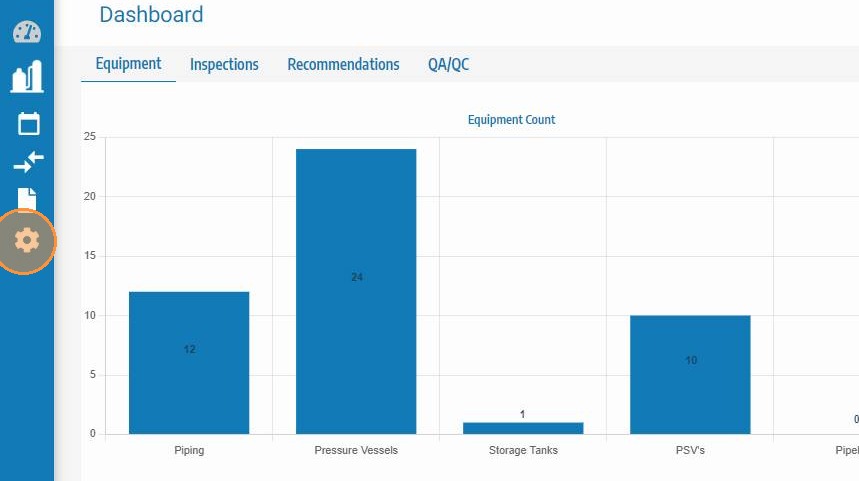
Step 1. Click Admin.
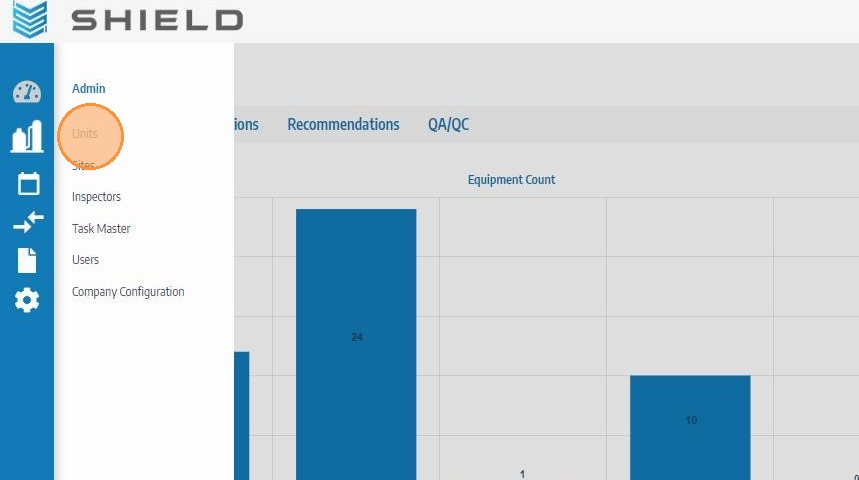
Step 2. Click Units.
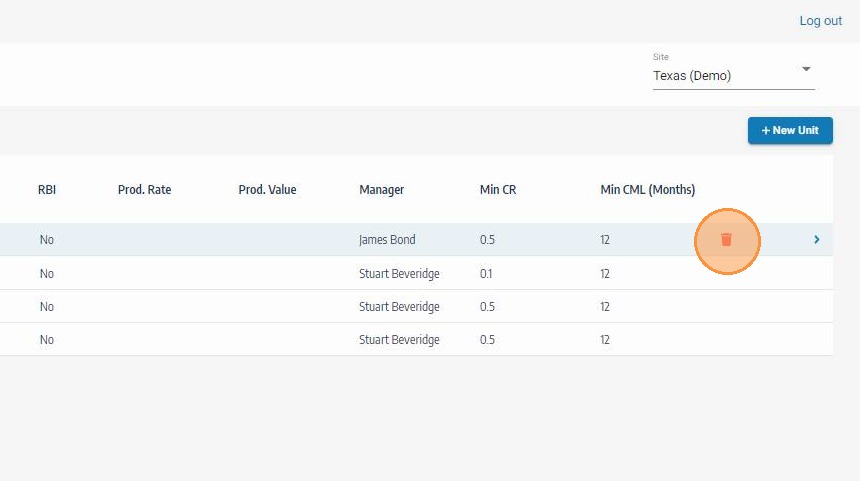
Step 3. Click the Trash Can icon for the unit you want to delete.
Step 4. Confirm deletion in the prompt.
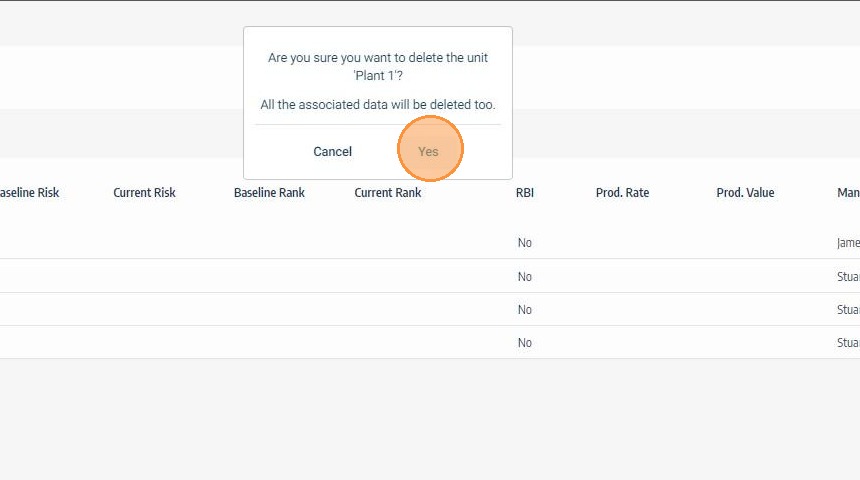
Deleting a unit is permanent. Related Mechanical Integrity data (assets, history, links, and reporting context under that unit) may be removed or become unavailable based on your SHIELD data rules.
Recommended Safety Checks Before Deleting
-
Verify the unit is not actively used in inspections, schedules, or dashboards.
-
Export or archive any required historical records first.
-
Confirm with your MI/data governance owner.
-
If the unit is only temporarily out of service, consider setting it to Inactive instead of deleting.
In most Mechanical Integrity programs, Inactivate is safer than Delete for preserving traceability and audit history.