
Edit Units
Learn how to locate and edit an existing unit in SHIELD Mechanical Integrity.
Edit an Existing Unit
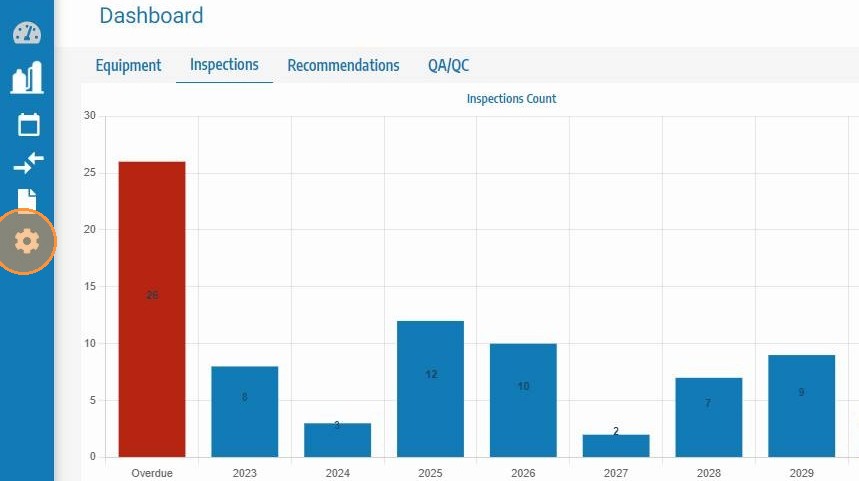
Step 1. Click Settings (or Admin, depending on your SHIELD navigation profile).
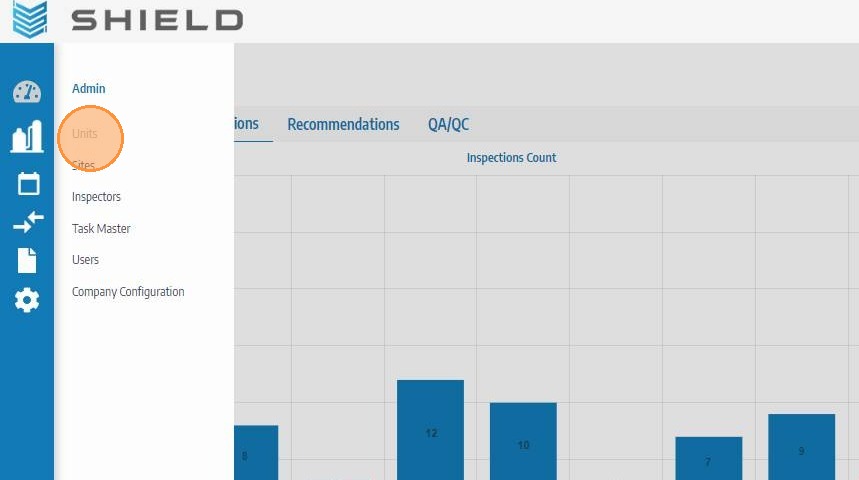
Step 2. Click Units.
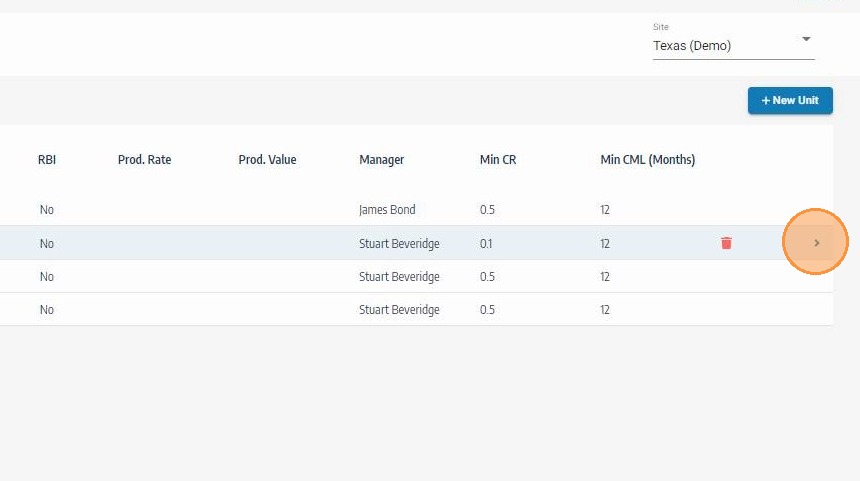
Step 3. Locate the unit you want to update, then click the expand arrow on the right side.
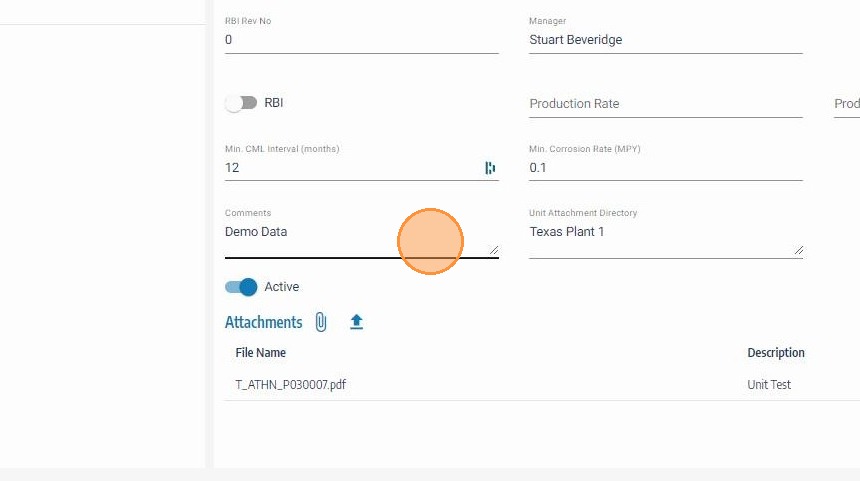
Step 4. Edit the required fields (for example: hierarchy/site assignment, manager, CML defaults, comments, active status, or revision values).
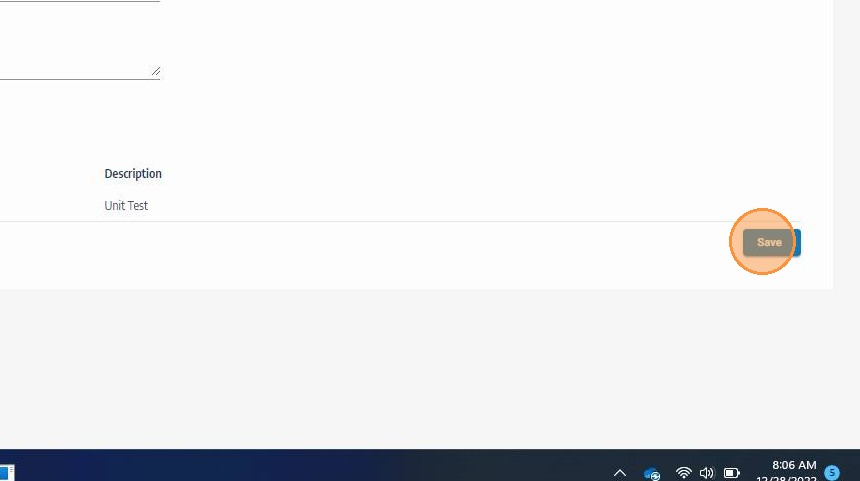
Step 5. Click Save.
Post-Edit Validation (Mechanical Integrity)
- Confirm updates are visible in the unit list after save.
- If hierarchy fields changed, verify the unit appears correctly in filters and MI modules.
- If Active/Inactive changed, confirm expected behavior in dashboards and asset visibility.
- Recheck CML minimum interval/corrosion-rate values if inspection rules depend on them.
For controlled environments, record major unit changes in comments/revision fields to maintain MI audit traceability.
Was this page helpful?