Recalculate RBI and Tasks
Trigger a recalculation of Risk-Based Inspection assessments and regenerate TaskMaster tasks for a unit in SHIELD after data changes.
Overview
Recalculating RBI and tasks is necessary after changes that affect risk rankings or inspection intervals — such as new inspection data, updated process conditions, revised IOW limits, or modified equipment records. The process runs in two parts:
-
Calculate Risk Assessment — updates the RBI risk rankings for assets in the selected scope
-
Recalculate the Unit — regenerates TaskMaster tasks based on the updated RBI results
Recalculating a unit will regenerate inspection tasks based on current RBI results.
Part 1 — Calculate Risk Assessment
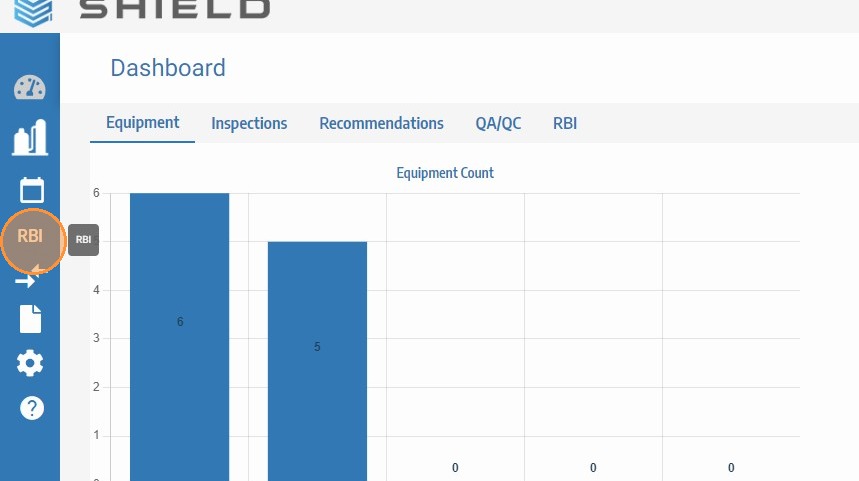
Navigate to RBI
Click RBI in the main SHIELD navigation to open the Risk-Based Inspection module. Confirm your site and scope filters are set to the correct context before proceeding.
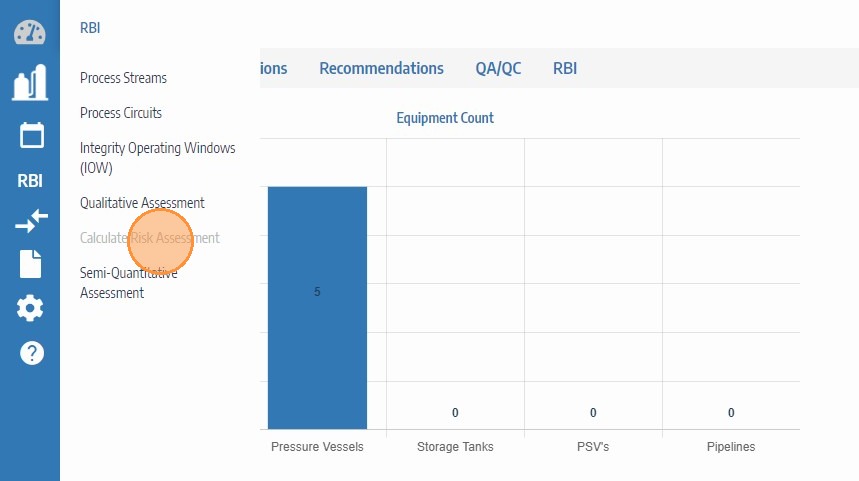
Click Calculate Risk Assessment
Click Calculate Risk Assessment to initiate the risk recalculation for the assets in your current scope. This updates probability and consequence of failure values based on the latest equipment data, inspection history, and process conditions.
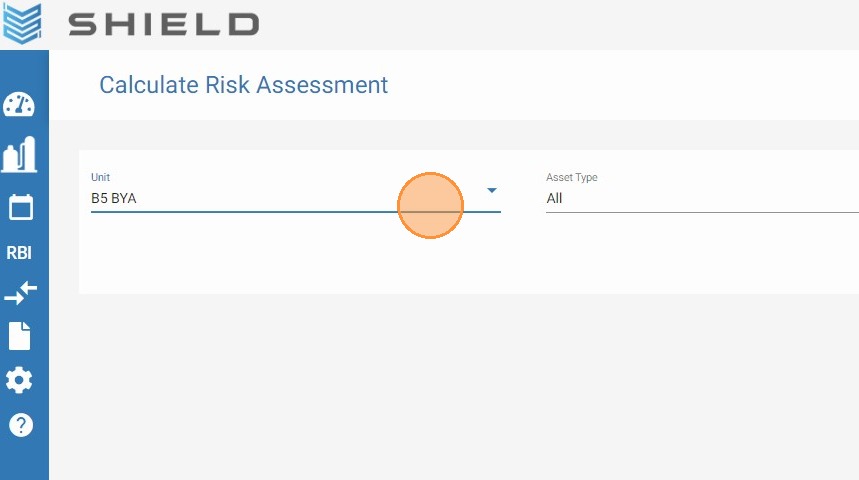
Confirm the Calculation
Click to confirm and run the risk assessment calculation. SHIELD will process the current data and update RBI risk rankings for all assets within the selected scope.
Part 2 — Recalculate the Unit and Regenerate Tasks
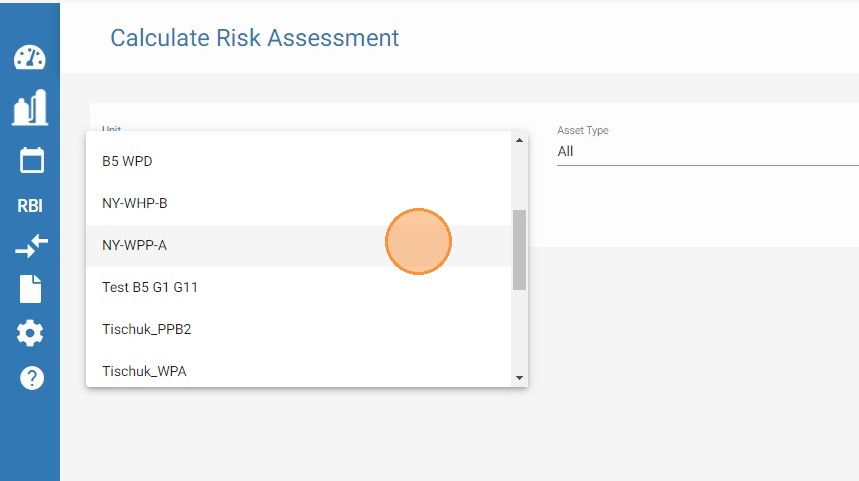
Select the Unit to Recalculate (if not already set)
If the unit scope has not yet been configured, select the unit you want to recalculate at this point. This ensures the task regeneration in the following steps is scoped to the correct process unit.
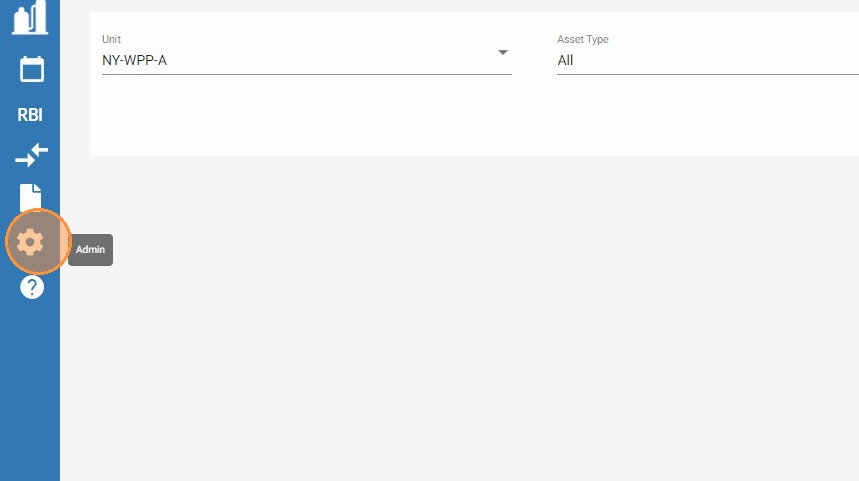
Click Admin
Click Admin in the SHIELD navigation to open the administration settings panel.
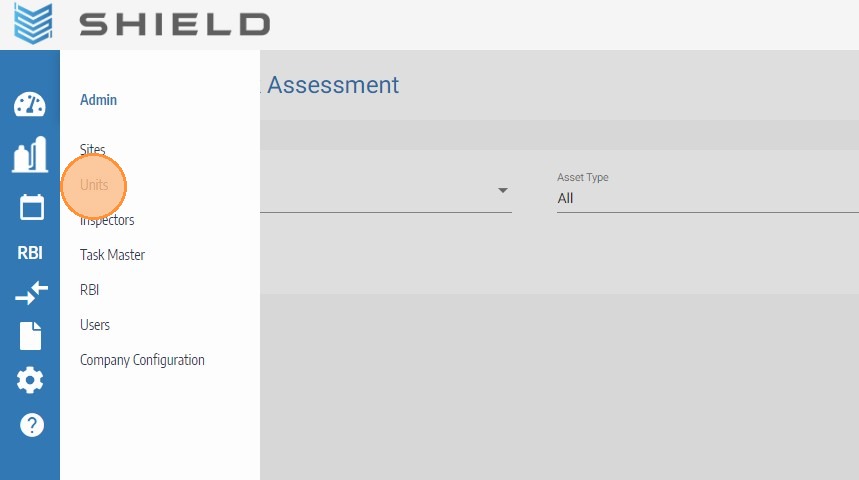
Click Units
In the Admin panel, click Units to access the unit management screen where recalculation is triggered.
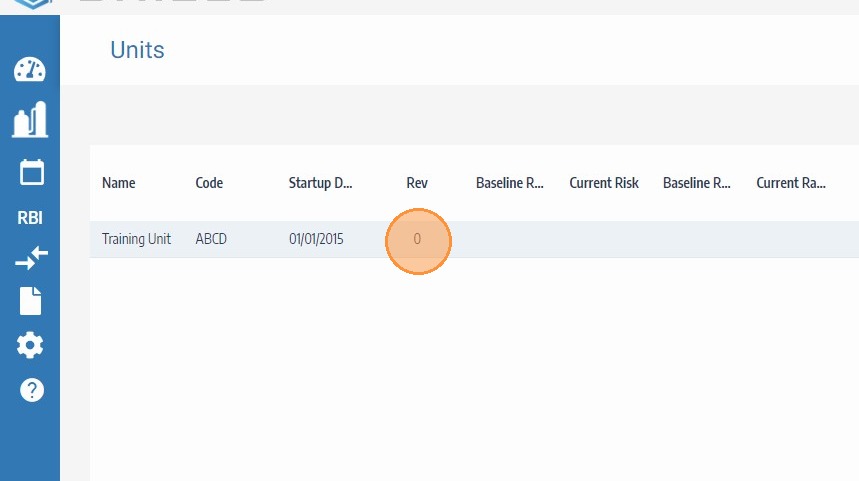
Select the Unit
Locate and select the unit you want to recalculate from the units list. This is the process unit whose RBI-driven tasks will be regenerated.
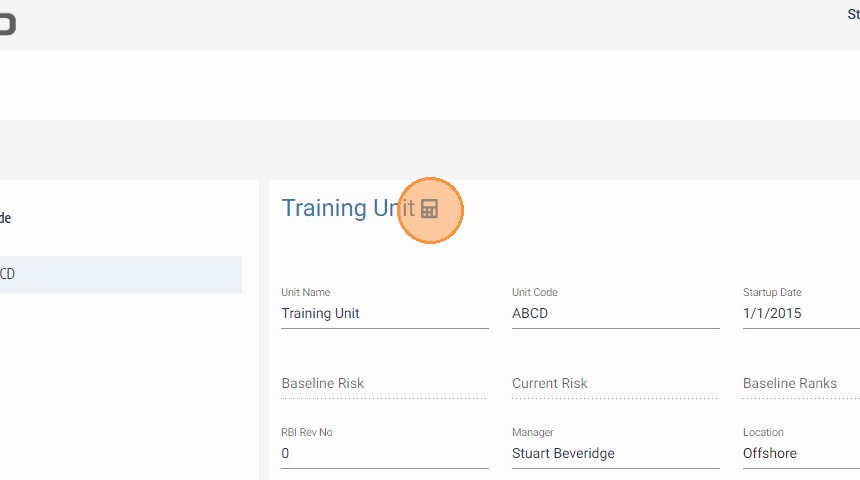
Recalculate the Unit
Click Recalculate for the selected unit. SHIELD will regenerate TaskMaster tasks based on the updated RBI risk rankings. Once complete, review the task queue for the unit to verify that inspection tasks, frequencies, and due dates reflect the recalculated risk profile.