View Task Master Tasks
Navigate to the TaskMaster Tasks screen in SHIELD Admin Settings to view, manage, and configure inspection tasks.
Overview
The Task Master Tasks screen provides access to all generated inspection tasks across your program. From here, administrators can review task status, manage assignments, and oversee execution progress across units and asset types.
Access to Admin Settings is role-restricted. If the Admin Settings option is not visible in your navigation, contact your SHIELD administrator to request the appropriate permissions.
Steps
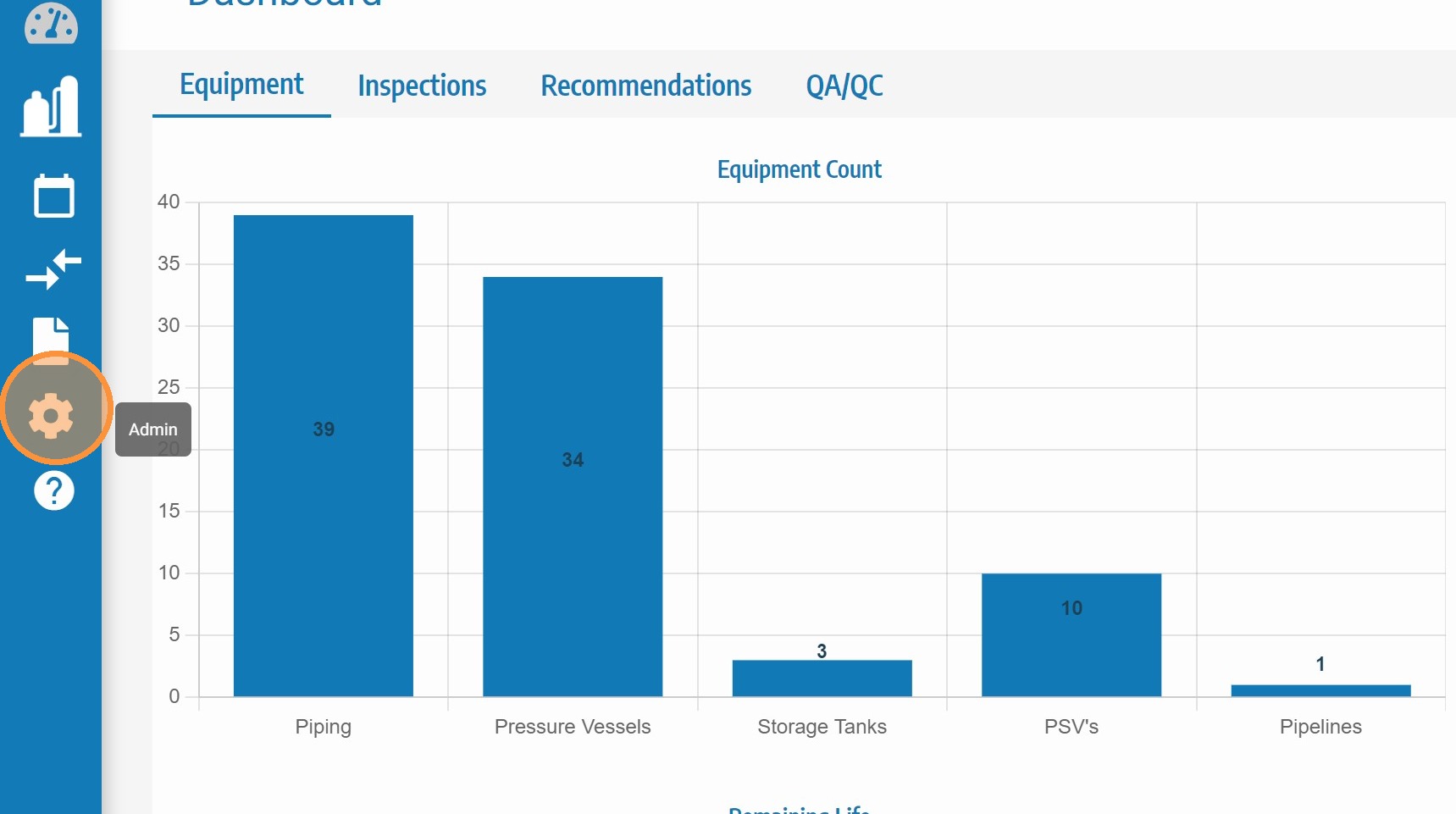
Click Admin Settings
Click Admin Settings in the main SHIELD navigation to open the administration configuration panel.
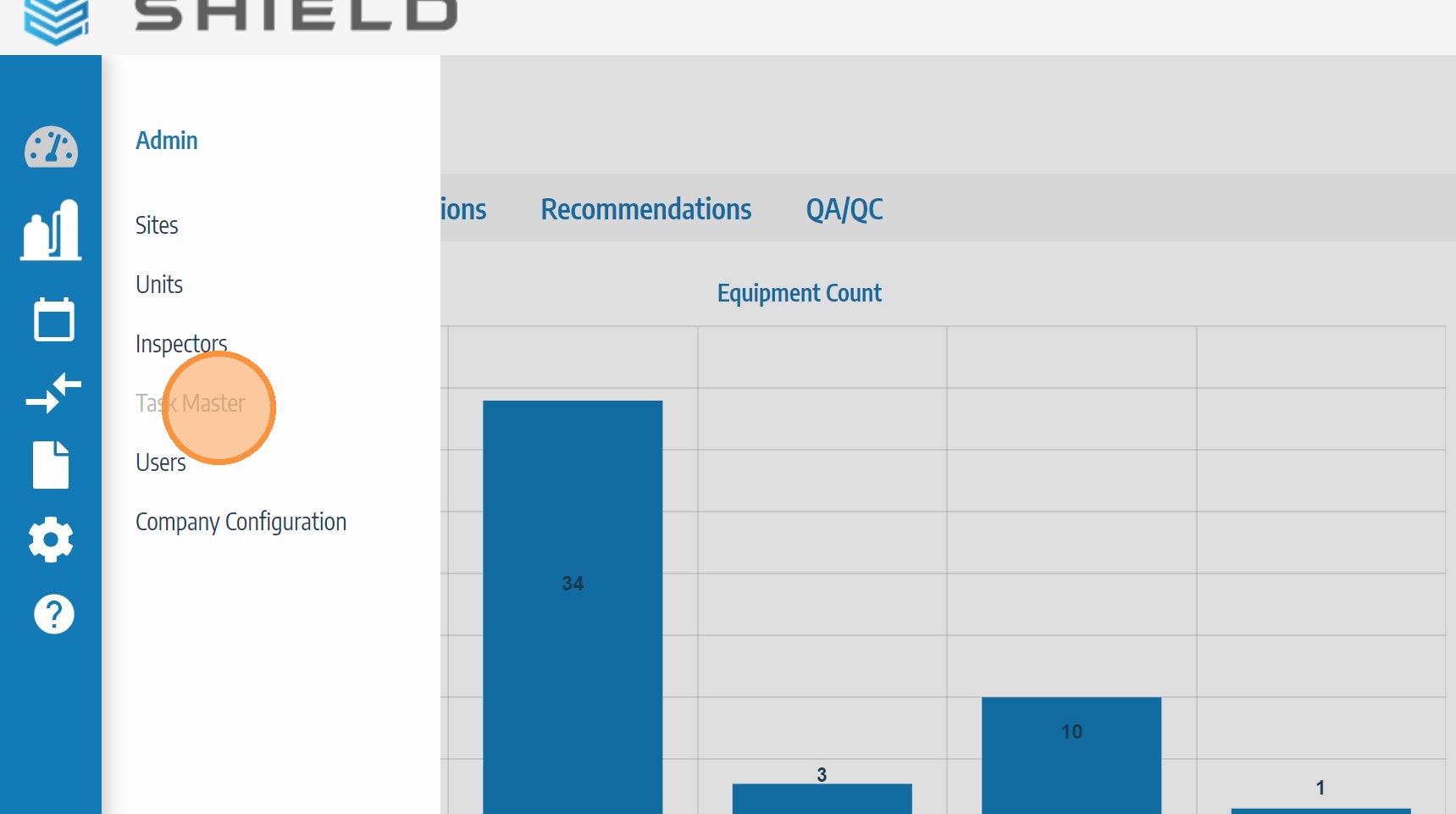
Click TaskMaster
In the Admin Settings menu, click TaskMaster to expand the TaskMaster configuration and management options.
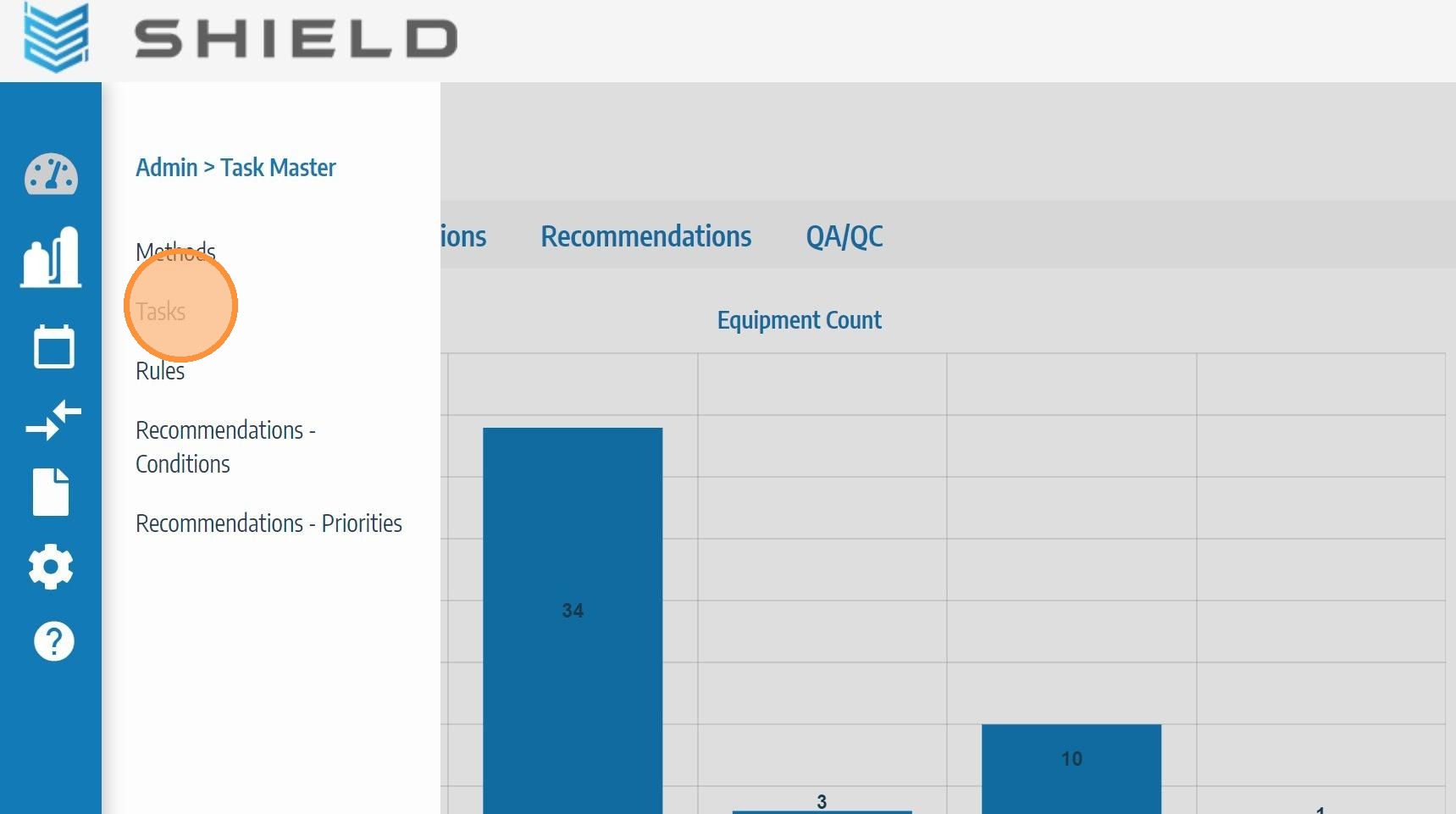
Click Tasks
Click Tasks to open the TaskMaster Tasks screen where inspection tasks can be viewed, filtered by unit or status, and managed across your program.