
Add TaskMaster Method
Add a new inspection method to TaskMaster in SHIELD, defining its name and the equipment types it applies to.
Overview
TaskMaster Methods define the inspection techniques available when building schedules and generating tasks — for example, Ultrasonic Thickness (UT), Visual Inspection, or Radiographic Testing (RT). Each method is scoped to one or more equipment or asset types, ensuring only relevant methods appear when configuring schedules for a given asset class.
Before creating a new method, check the existing Methods list to avoid duplicates. Consistent method naming across your program ensures clean reporting and reliable task filtering.
Steps
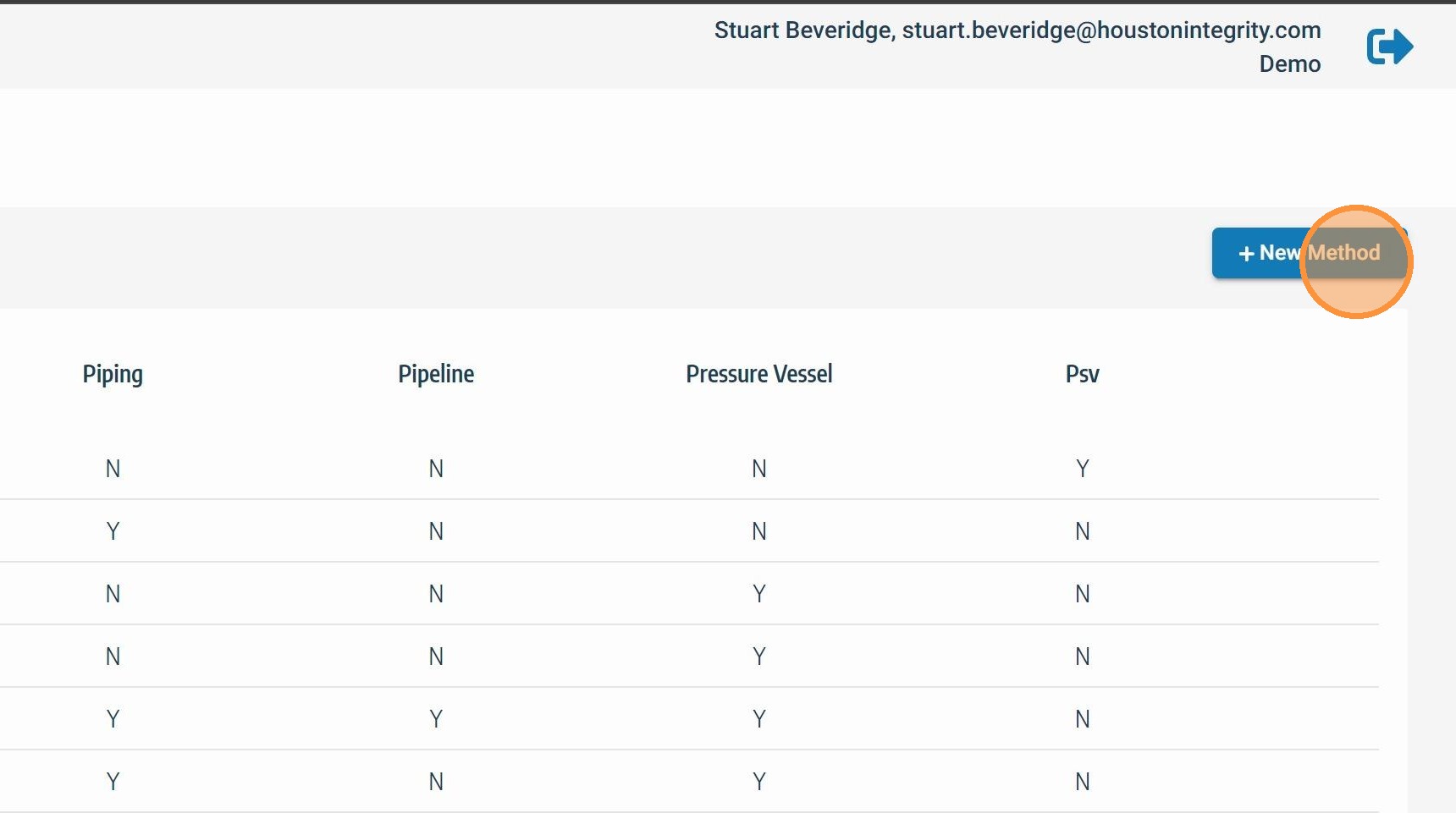
Click New Method
From the TaskMaster Methods screen, click + New Method to open the method creation form. If you are not already on the Methods screen, navigate there via Admin Settings → TaskMaster → Methods. See Accessing TaskMaster Methods Menu for navigation steps.
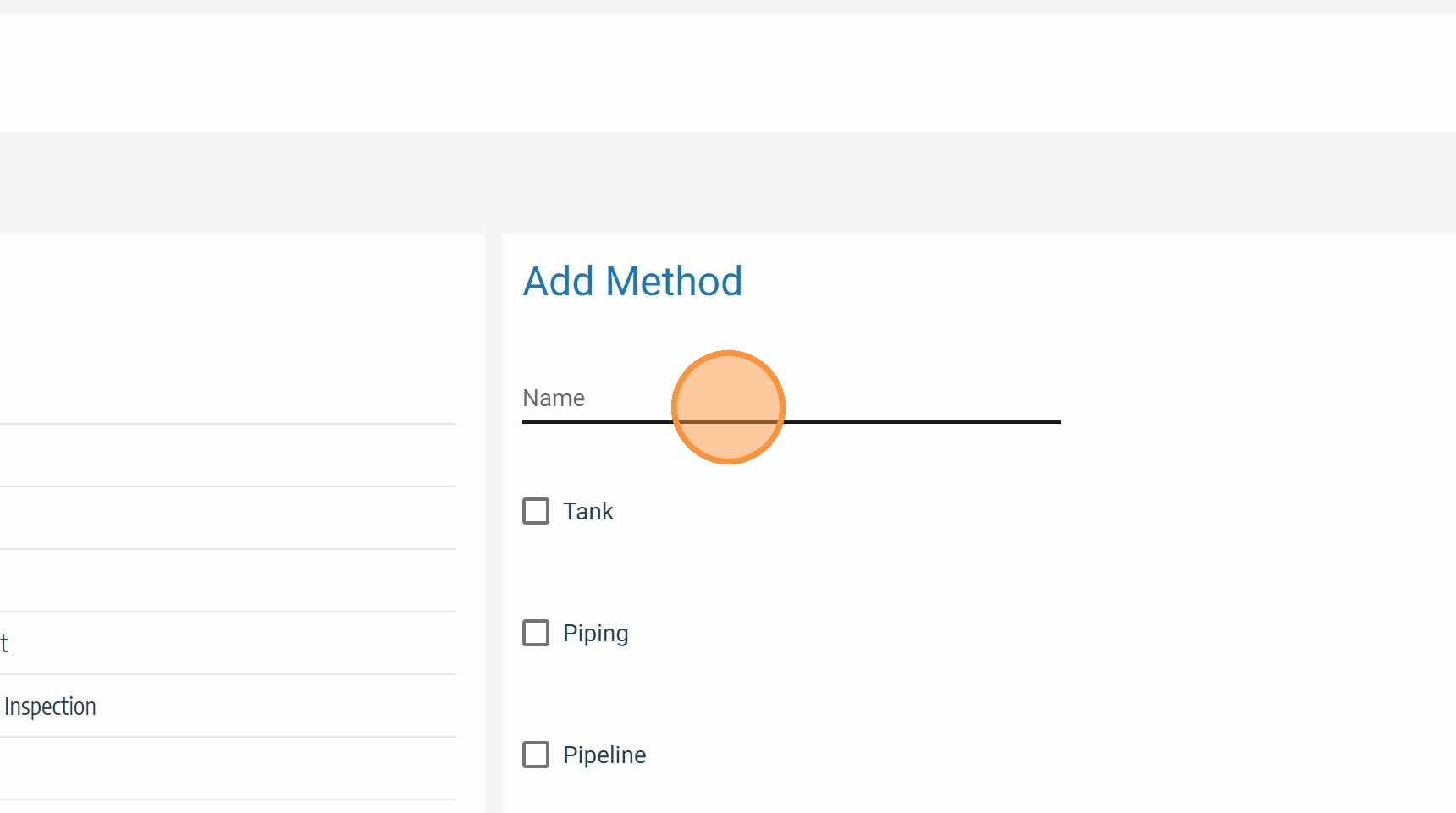
Enter the Inspection Method Name
Type a clear, descriptive name for the method — for example, "Ultrasonic Thickness (UT)", "Visual Inspection (VT)", or "Magnetic Particle Inspection (MPI)". Use your organization's standard terminology to ensure the method name matches what inspectors and engineers expect to see on tasks and reports.
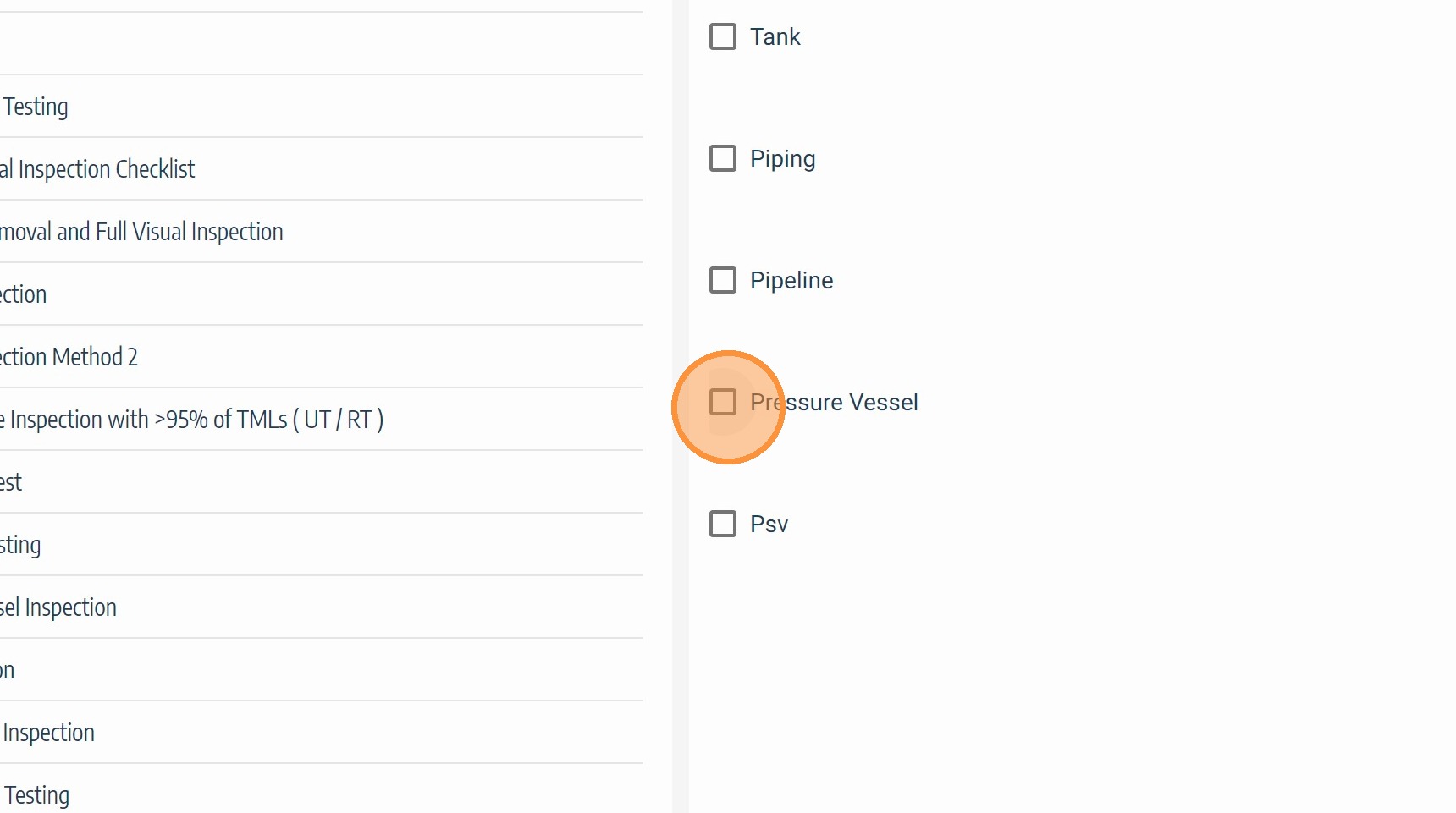
Select Applicable Equipment and Asset Types
Choose the equipment or asset types this method applies to — for example, piping, pressure vessels, storage tanks, or heat exchangers. The method will only appear as an option when scheduling inspections for the asset types selected here. Select all types where this method is a valid inspection technique.
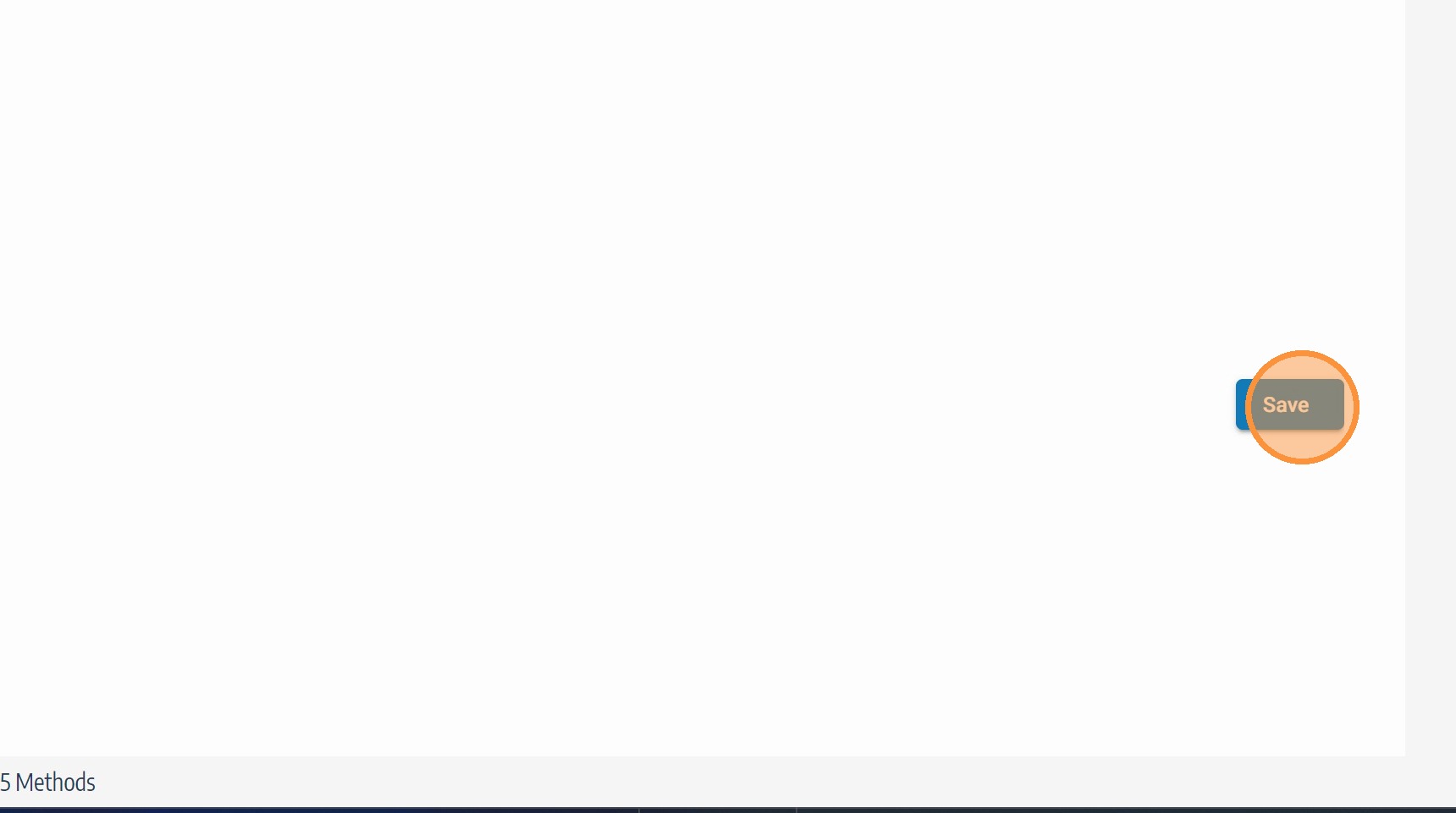
Click Save
Click Save to add the method to the TaskMaster Methods list. The new method will be immediately available for selection when configuring TaskMaster schedules for the asset types it was scoped to.
Field Reference
| Field | Description | Required |
|---|---|---|
| Method Name | Inspection technique name using standard terminology | ✅ Yes |
| Equipment / Asset Types | Asset classes this method is valid for | ✅ Yes |
Troubleshooting
| Symptom | Cause | Fix |
|---|---|---|
| Method not appearing in schedule configuration | Asset type not selected during method creation | Edit the method and add the missing asset type — see Edit TaskMaster Method |
| Duplicate method names in the list | Method created more than once | Review the Methods list before creating — delete the duplicate and retain the correctly scoped record |
| Save button not responding | Required field left blank | Confirm both method name and at least one asset type are completed before saving |