
Activate / Inactivate CMLs
Toggle a CML between active and inactive states in SHIELD to include or exclude it from inspection scheduling and corrosion calculations.
Overview
Inactivating a CML removes it from active inspection scheduling and excludes it from corrosion rate and remaining life calculations — without deleting the CML or its measurement history. This is useful when a measurement location is temporarily out of service, has been decommissioned, or is no longer representative of the asset's integrity condition.
Inactive CMLs are displayed in gray in the CML table so they remain visible for reference but are clearly distinguished from active locations.
This action affects the CML itself — all its history readings remain intact. To inactivate a specific reading within a CML's history without inactivating the whole CML, see Inactivate CML History instead.
Steps
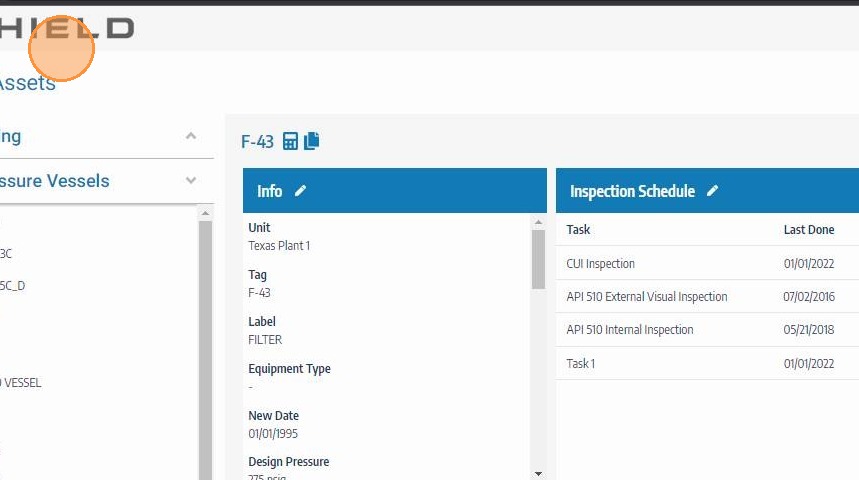
Navigate to the Asset
Go to the Assets module and open the asset containing the CML you want to activate or inactivate. Confirm you are on the correct asset before proceeding.
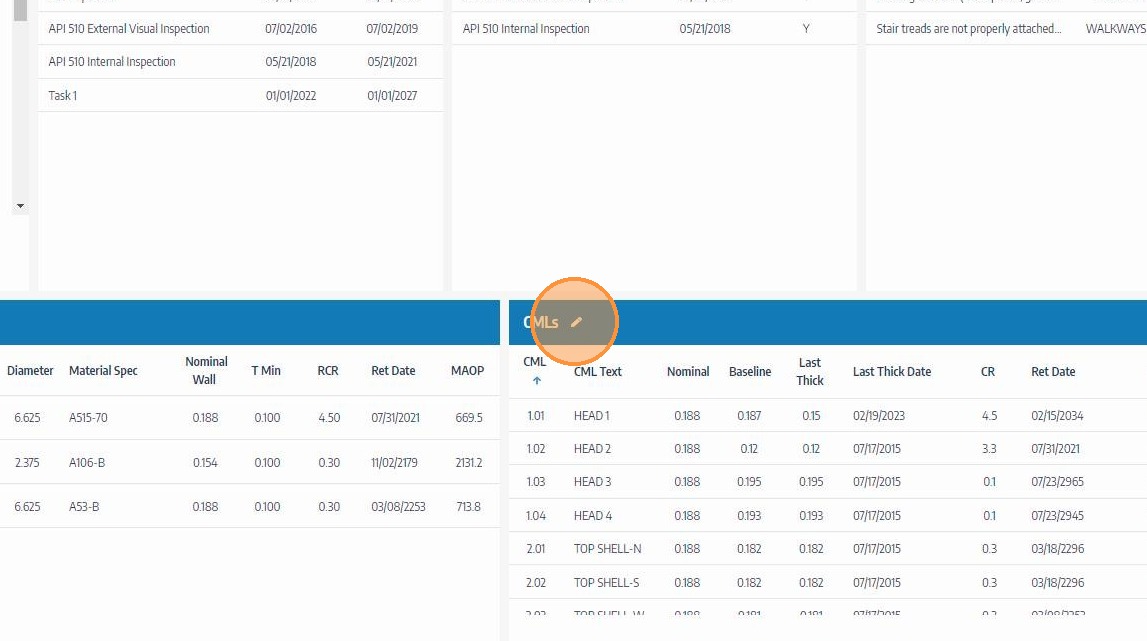
Click the Edit Icon on the CMLs Header
Click the edit icon on the CMLs header to enter CML editing mode and unlock the table for modifications.
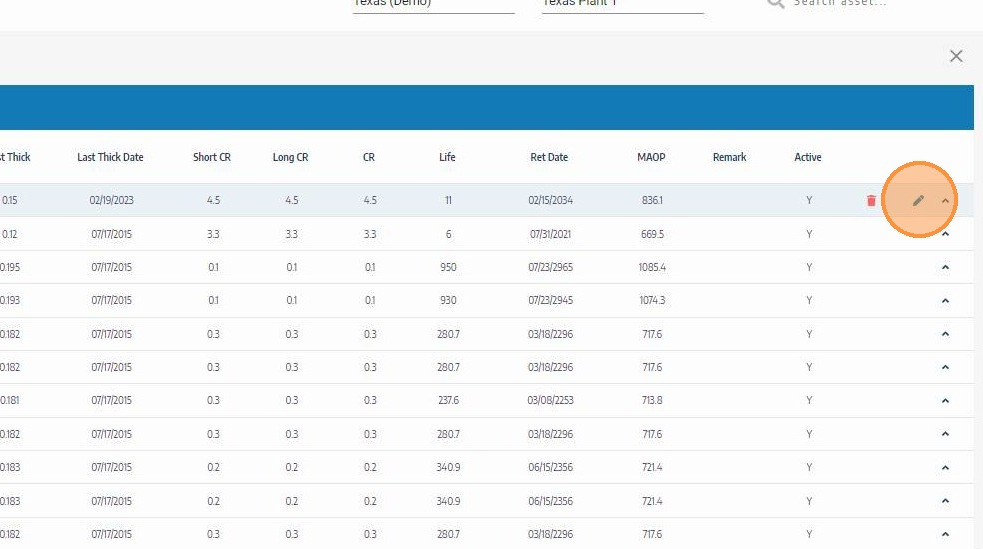
Click the Edit Icon for the CML
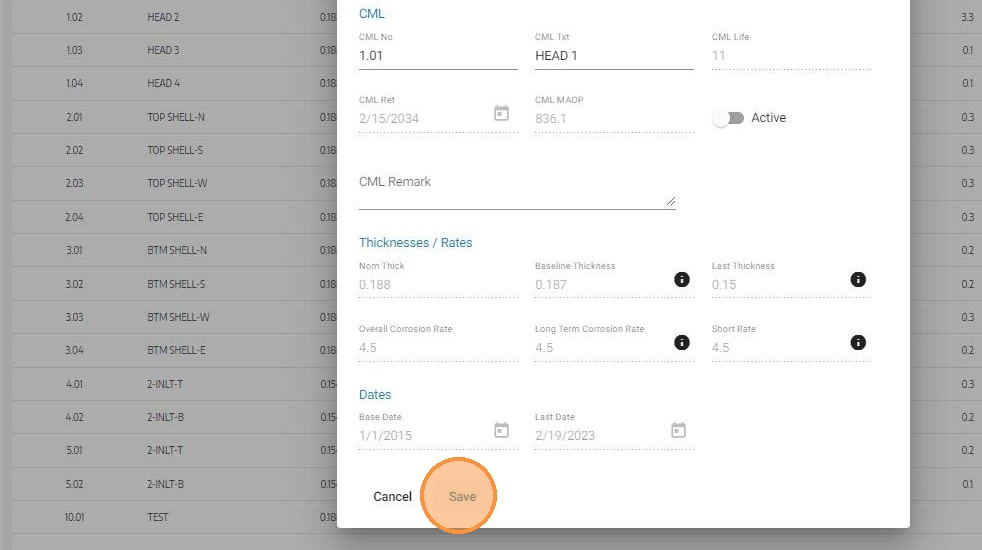
Locate the CML you want to activate or inactivate — confirm using the CML ID and description. Click its edit icon to open the CML fields including the active status toggle.
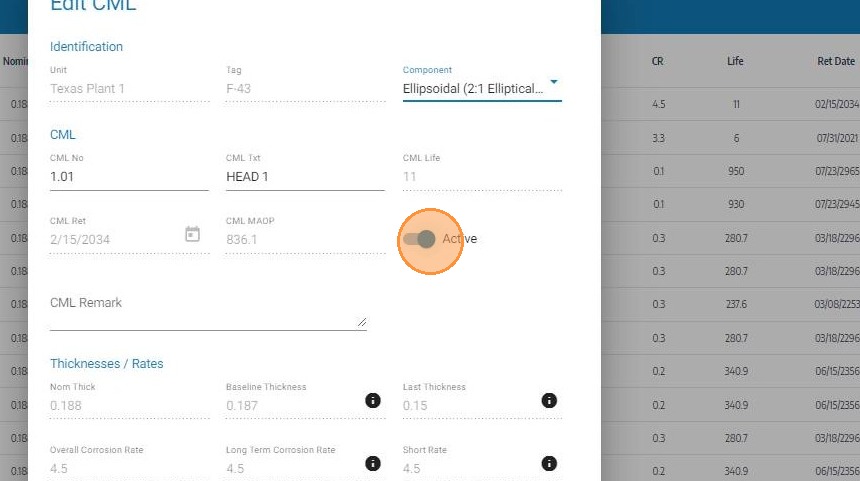
Toggle the Active Switch
Click the Active toggle switch to change the CML's status:
-
On → Off — inactivates the CML, removing it from scheduling and calculations
-
Off → On — reactivates the CML, restoring it to active scheduling and calculations
Click Save
Click Save to apply the status change. Inactive CMLs will appear highlighted in gray in the CML table, distinguishing them from active measurement locations at a glance. Reactivated CMLs will return to the standard display and resume inclusion in scheduling and calculations.
Active vs. Inactive CML Comparison
| State | Included in Scheduling | Included in Calculations | History Retained | Display |
|---|---|---|---|---|
| Active | ✅ Yes | ✅ Yes | ✅ Yes | Standard |
| Inactive | ❌ No | ❌ No | ✅ Yes | Gray |
Troubleshooting
| Symptom | Cause | Fix |
|---|---|---|
| Edit icon not visible on CML row | CML editing mode not activated | Click the edit icon on the CMLs section header first |
| Active toggle not visible | CML fields not open for editing | Confirm the edit icon on the CML row was clicked, not just the row itself |
| Inactive CML still appearing in inspection tasks | Tasks generated before inactivation | Review and remove the CML from any open tasks that were created prior to the status change |
| CML not returning to calculations after reactivation | Page not refreshed after save | Refresh the asset record to confirm the CML is active and recalculations have applied |